


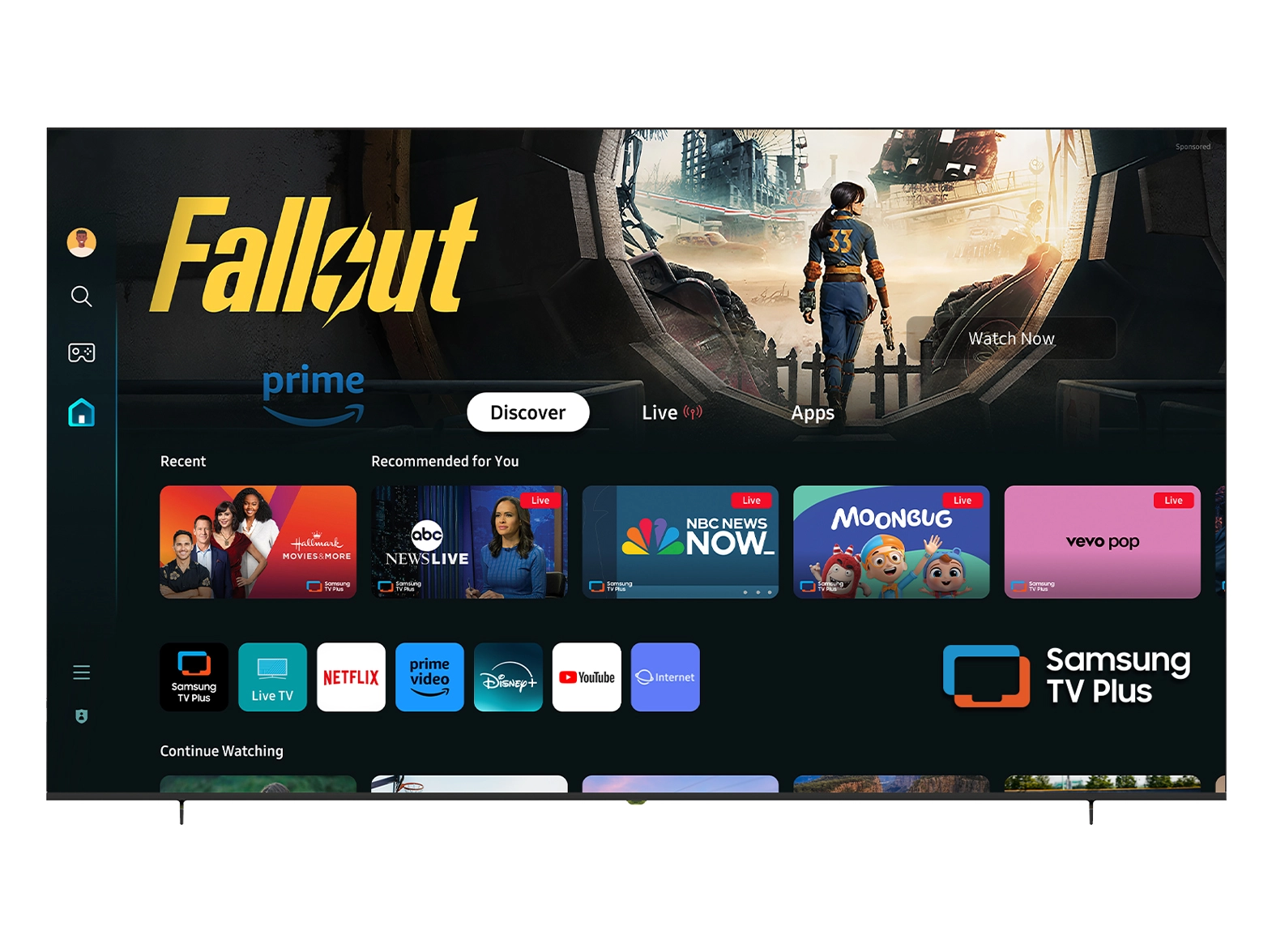





Maintaining a high-quality display, like a 240 fps gaming PC monitor, is essential for businesses looking to provide their customers with long-lasting, reliable products. NPC understands that our customers need more than just top-tier performance--we also need to ensure that our monitors stay in peak condition throughout their lifespan. That's why we've designed our 240 fps gaming PC monitors to be durable and easy to maintain, helping businesses minimize downtime and maximize the return on their investment.
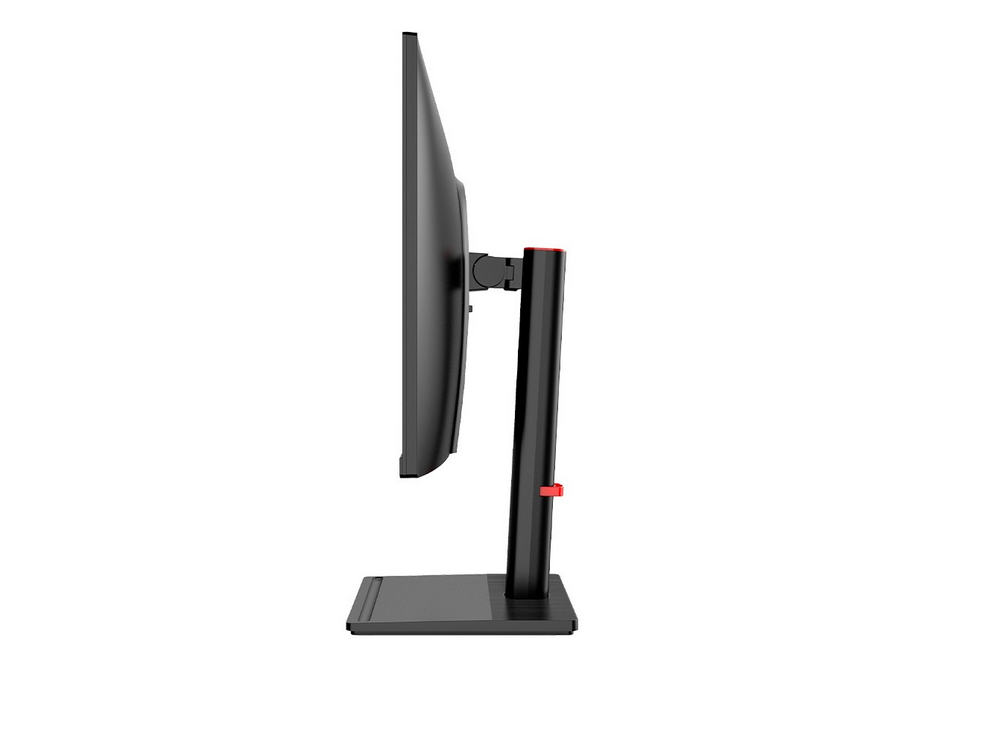
Keep Your Monitor Clean for Optimal Performance
One of the simplest yet most effective ways to maintain your 240 fps gaming PC monitor is through regular cleaning. Dust, dirt, and smudges can obstruct your monitor's performance and degrade image quality. Cleaning your NPC gaming monitor regularly with a microfiber cloth will help prevent these issues and ensure that your display continues to perform at its best. For businesses that use monitors in busy environments, such as trade shows or retail settings, keeping monitors clean not only ensures better visuals but also improves the overall aesthetic appeal, which can be essential for attracting customers.
Proper Ventilation is Key to Longevity
Monitors that are exposed to extreme temperatures or poor ventilation can overheat, causing damage over time. NPC's 240 fps gaming PC monitors are built with cooling systems designed to manage heat efficiently, but it's still important to place your monitors in a well-ventilated area to maximize their longevity. Avoid placing your monitor near heat sources or in areas with insufficient airflow. By ensuring proper ventilation, you'll help your NPC monitor maintain optimal temperature levels, preventing performance issues and extending its lifespan.
Regular Software Updates and Configuration Adjustments
Keeping your 240 fps gaming PC monitor in top shape goes beyond physical maintenance. It's also important to stay on top of software updates and configuration settings. Regular updates can improve your monitor's compatibility with new devices, optimize refresh rates, and enhance overall performance. At NPC, we offer dedicated technical support to help businesses implement software updates and settings adjustments, ensuring that all monitors run smoothly for years to come. We make it easy for companies to maintain their equipment and keep everything running at peak performance.
Conclusion:
In conclusion, maintaining 240 Hz gaming PC monitors is essential for ensuring their longevity and maximizing performance. By following simple maintenance tips--such as regular cleaning, ensuring proper ventilation, and staying up-to-date with software updates--you can extend the lifespan of NPC monitors. we're committed to providing businesses with the tools they need to keep their equipment running smoothly, ensuring that your investment in our products delivers lasting value. Whether you're a wholesaler, distributor, or large-scale partner, NPC is here to support you with high-quality products and excellent customer service.


