







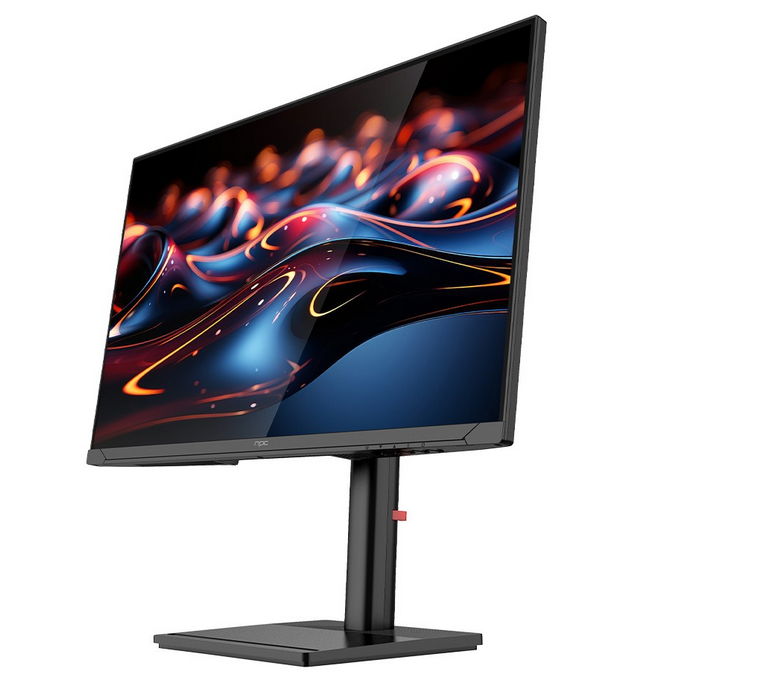
Setting up your 240 gaming monitor for optimal performance is essential to get the most out of its high refresh rate. At NPC, we understand the importance of fine-tuning settings to achieve the best visuals and performance. Our team of experts has put together a guide to help you set up your 240 gaming monitor for a flawless gaming experience.
Choose the Right Connection
To fully utilize the capabilities of your 240 gaming monitor, it's crucial to select the right connection. Using a DisplayPort 1.4 or HDMI 2.1 cable ensures that your monitor can handle the full 240 Hz refresh rate. Avoid using outdated cables that may limit your monitor's performance. NPC monitors are designed with high-quality ports that support the latest standards, ensuring optimal performance right out of the box.
Adjust Display Settings for Maximum Impact
Once your 240 gaming monitor is connected, it's time to adjust the display settings to suit your preferences. Make sure that the refresh rate is set to 240 Hz through the graphics card control panel. You can also enable features such as G-Sync or FreeSync, depending on your GPU, to further enhance visual fluidity. At NPC, we've designed our monitors to provide factory-optimized settings, but taking the time to tweak color calibration, contrast, and brightness will help personalize your setup for a comfortable, high-performance gaming experience.
Calibrate for Comfort and Eye Protection
Prolonged gaming sessions can lead to eye strain if the monitor settings aren't adjusted properly. It's essential to calibrate your 240 gaming monitor for eye comfort, especially if you plan to game for hours. NPC monitors come equipped with blue light filtering and flicker-free technology, reducing eye fatigue. Adjusting the brightness and contrast to match the ambient lighting in your room can also help prevent strain. A well-calibrated display makes for a more enjoyable and sustainable gaming experience.
Conclusion
Properly setting up your 240 gaming monitor ensures you get the best performance and comfort while gaming. With the right connections, optimized display settings, and thoughtful calibration, you can enjoy ultra-smooth visuals with minimal eye strain. At NPC, we're dedicated to providing high-performance monitors with advanced features that are easy to set up, so you can focus on what matters most--your gameplay. With our commitment to product excellence and customer support, you can trust NPC to deliver a superior gaming experience every time.


