







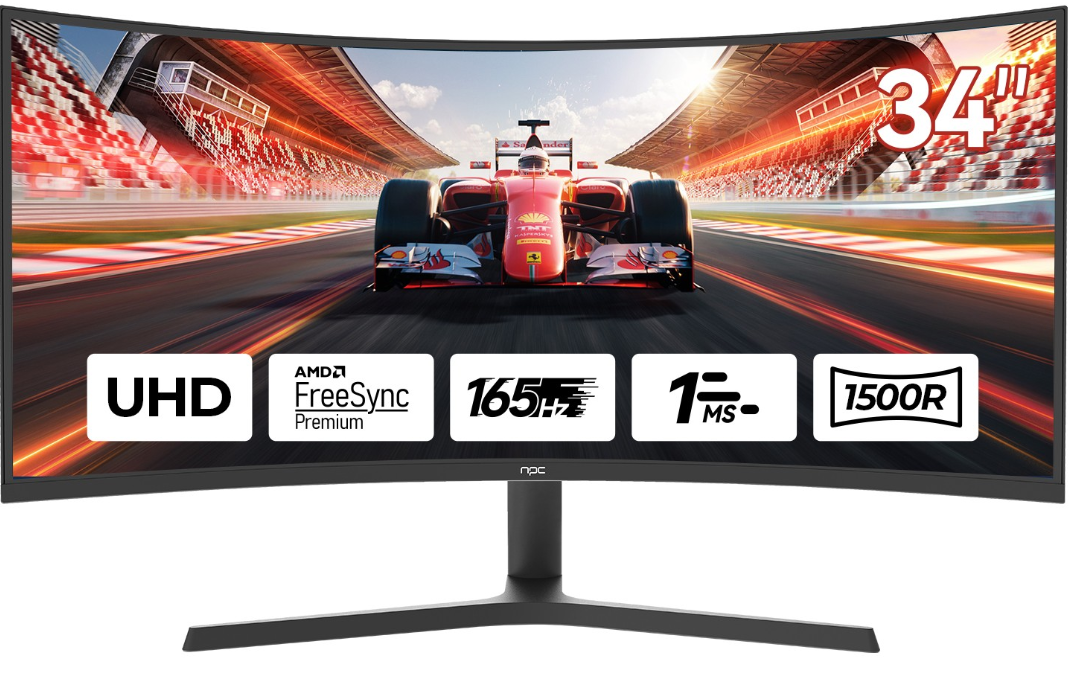
When it comes to maximizing the gaming experience, understanding screen tearing is crucial, especially for those using an ultra wide gaming monitor curved like our NPC models. At NPC, we pride ourselves on delivering excellent products that incorporate the latest technology to ensure that gamers can fully immerse themselves without distraction. In this article, we’ll explore what screen tearing is, how our NPC ultra wide gaming monitors can mitigate this issue, and tips to optimize your setup for the best performance.
What is Screen Tearing and Why It Matters for Your Ultra Wide Gaming Monitor Curved?
Screen tearing occurs when your monitor displays multiple frames in a single screen draw, leading to a disjointed image. This phenomenon is especially noticeable during fast-paced gaming, where every frame counts. For users of curved ultra wide monitors, the stakes are even higher, as the immersive experience hinges on smooth visuals. We understand that for gamers and professionals alike, maintaining a fluid display is essential for performance and enjoyment.
The Benefits of Using an NPC Ultra Wide Gaming Monitor Curved to Minimize Screen Tearing
At NPC, our commitment to innovation means that our ultra wide gaming monitors are designed with features specifically aimed at minimizing screen tearing. With high refresh rates and adaptive sync technology, our monitors seamlessly align the frame rates of your graphics card with the display, significantly reducing the occurrence of screen tearing. This not only enhances the visual experience but also allows gamers to react quickly and accurately, giving them a competitive edge. Our team continuously integrates technical support to ensure that our products meet the evolving needs of gamers and businesses alike.
Tips for Optimizing Your NPC Ultra Wide Gaming Monitor Curved to Combat Screen Tearing
To get the most out of your NPC ultra wide gaming monitor, consider the following tips: First, ensure that your graphics card is compatible with our monitors and supports adaptive sync technology. This compatibility is essential for synchronizing frame rates effectively. Additionally, adjusting your monitor's settings can help; enabling features like V-Sync can help eliminate tearing by limiting the frame rate to match your monitor’s refresh rate. Finally, always keep your graphics drivers updated to leverage the latest improvements in performance.
Conclusion
Understanding and addressing screen tearing is vital for anyone using an ultra wide gaming monitor curved, especially when it comes to the immersive experience that NPC products offer. We believe that as we continue to innovate, NPC will remain committed to providing high-quality displays that cater to the needs of wholesalers, traders, and international brand buyers looking for reliable solutions in monitors, TVs, and projectors. With our focus on quality and technical excellence, we’re here to support your journey in delivering outstanding products to your customers.


