








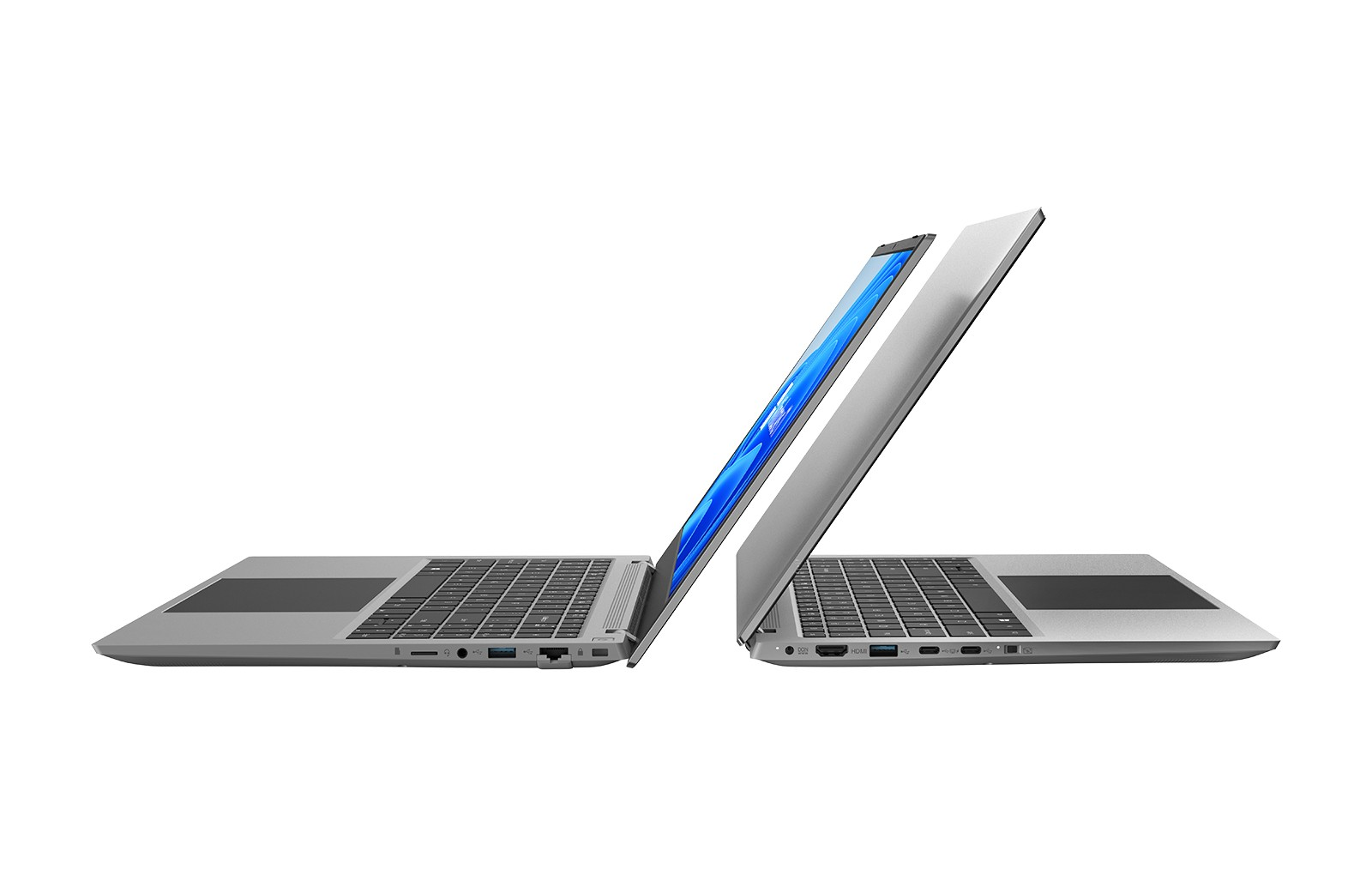
Our commitment to quality ensures that our lightweight laptops for travel are equipped with the latest innovations, making them highly sought after by professionals on the go. One critical aspect of maintaining these devices is knowing how to replace the battery when needed. In this article, we will provide a step-by-step guide on laptop battery replacement, ensuring your customers can keep their light laptops for travel functioning optimally.
Identify the Right Replacement Battery
Before attempting a battery replacement, it is crucial to select the appropriate battery model for the specific laptop. While our light laptops for travel come with dependable batteries, wear and tear over time may necessitate a replacement.
We recommend checking the laptop’s user manual or the manufacturer’s website to identify the correct battery specifications. Additionally, consider purchasing batteries from reputable suppliers to ensure quality and compatibility. Educating customers on this process is vital for wholesalers and traders, as it helps them guide end-users in making informed decisions about replacements for their lightweight devices.
Gather Tools and Prepare for Replacement
Once the correct replacement battery is identified, the next step is to gather the necessary tools. Common tools required for battery replacement include a screwdriver (usually Phillips or flathead), plastic prying tools, and an anti-static wrist strap.
Additionally, we advise users to prepare a clean, static-free workspace to prevent any damage to the laptop's internal components. Emphasizing the importance of having the right tools and a suitable environment can enhance the customer experience when they seek assistance in maintaining their light laptops for travel. NPC is dedicated to ensuring that both traders and consumers understand these essential preparations for smooth battery replacement.
Step-by-Step Battery Replacement Process
Now that the tools are ready, it is time to proceed with the battery replacement process. Follow these steps for a successful replacement:
1. Power Down the Laptop: Ensure the laptop is completely shut down and unplugged from any power source.
2. Remove the Back Cover: Use the screwdriver to remove screws securing the back cover of the laptop. Carefully lift off the cover using plastic prying tools to avoid damaging the casing.
3. Disconnect the Old Battery: Locate the old battery and gently disconnect it from the motherboard. This usually involves unplugging a connector.
4. Install the New Battery: Connect the new battery to the motherboard and secure it in place.
5. Replace the Back Cover: Align the cover properly and reattach the screws to secure it.
6. Test the New Battery: Power on the laptop to ensure the new battery is functioning correctly.
By providing this detailed, step-by-step guide, NPC helps equip wholesalers and traders with vital information they can pass on to their customers, ensuring their light laptops for travel remain reliable companions during their journeys.
Conclusion
When you choose NPC laptops for your travel needs, you are investing in a product that prioritizes durability and efficiency, making your adventures smoother and more enjoyable. We understand that every journey is unique, and your equipment should reflect that, providing reliable performance wherever you go. Trust NPC to deliver superior technology that empowers you to work, play, and connect without limits as you explore the world around you.


