


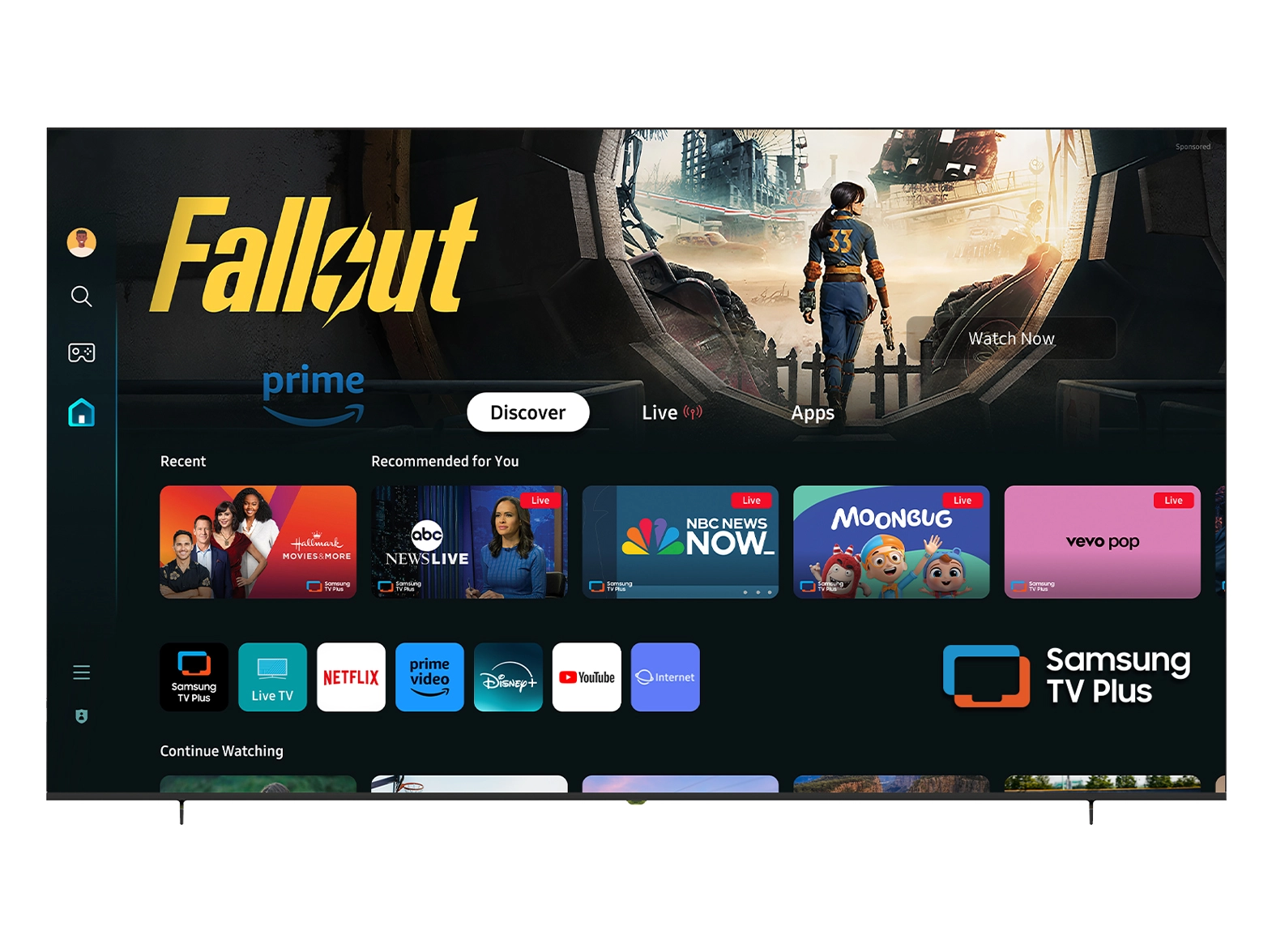





At NPC, we specialize in delivering high-quality VA gaming monitors that cater to the needs of serious gamers and tech enthusiasts alike. Our products are designed not only to provide exceptional visuals but also to ensure that every detail is crisp and clear. For wholesalers and traders dealing in all-in-one computers, monitors, TVs, and projectors, understanding how to optimize sharpness settings is essential for maximizing customer satisfaction.

The Importance of Sharpness
When it comes to gaming, the sharpness setting on a VA gaming monitor plays a vital role in delivering immersive visuals. Sharpness refers to the clarity and definition of the images on the screen, which can significantly affect gameplay, especially in fast-paced environments. A well-calibrated sharpness enhances detail without introducing noise or artifacts, resulting in a smoother gaming experience. We recommend adjusting the sharpness level based on individual preferences, but as a starting point, keeping the sharpness between 50% and 75% often yields optimal results for our VA gaming monitors. This range provides sufficient clarity while retaining the monitor’s natural color profile.
Factors Influencing Sharpness Settings
Several factors influence what the sharpness setting should be on a VA gaming monitor. The native resolution of the monitor is one key factor; higher resolutions generally require lower sharpness settings to maintain image quality. For instance, our VA gaming monitors with 1440p or 4K resolution may benefit from a sharpness setting closer to 50%, while those using lower resolutions might require adjustments up to 75%. Additionally, the type of games being played can impact sharpness settings. Fast-paced shooters might benefit from increased sharpness to spot enemies quickly, while immersive RPGs may look better with softer settings for a more cinematic feel. Educating your clients about these factors will help them make informed decisions when setting up their gaming environment.
Calibration Techniques for Optimal Performance
To achieve the best sharpness settings on a VA gaming monitor, calibration is key. We recommend using built-in monitor calibration tools or dedicated software to adjust settings accurately. When calibrating, it’s essential to consider both the ambient lighting conditions and the type of content being displayed. For example, bright environments may require sharper settings to counteract glare, while darker settings can benefit from reduced sharpness to avoid harsh edges. Our VA gaming monitors are equipped with features that facilitate easy calibration, ensuring that users can achieve their desired visual quality effortlessly. Providing guidance on calibration techniques will instill confidence in your customers and enhance their overall gaming experience.
Conclusion
At NPC, we're committed to offering gamers high-performance VA gaming monitors that meet their demands and make it simple for them to tweak settings for optimal performance. By working with NPC as your partner, you can make sure that your customers have the greatest gaming experience possible, which will boost their happiness and brand loyalty.


