








As gaming enthusiasts, we know how important it is to maintain a pristine display, especially when it comes to our high-performance 240 fps gaming monitor. At NPC, we are committed to helping wholesalers and traders of all-in-one computers, monitors, TVs, projectors, and OEMs of major foreign brands by providing useful tips on how to clean and maintain your gaming monitor effectively. A clean monitor not only enhances your visual experience but also extends the life of your equipment.
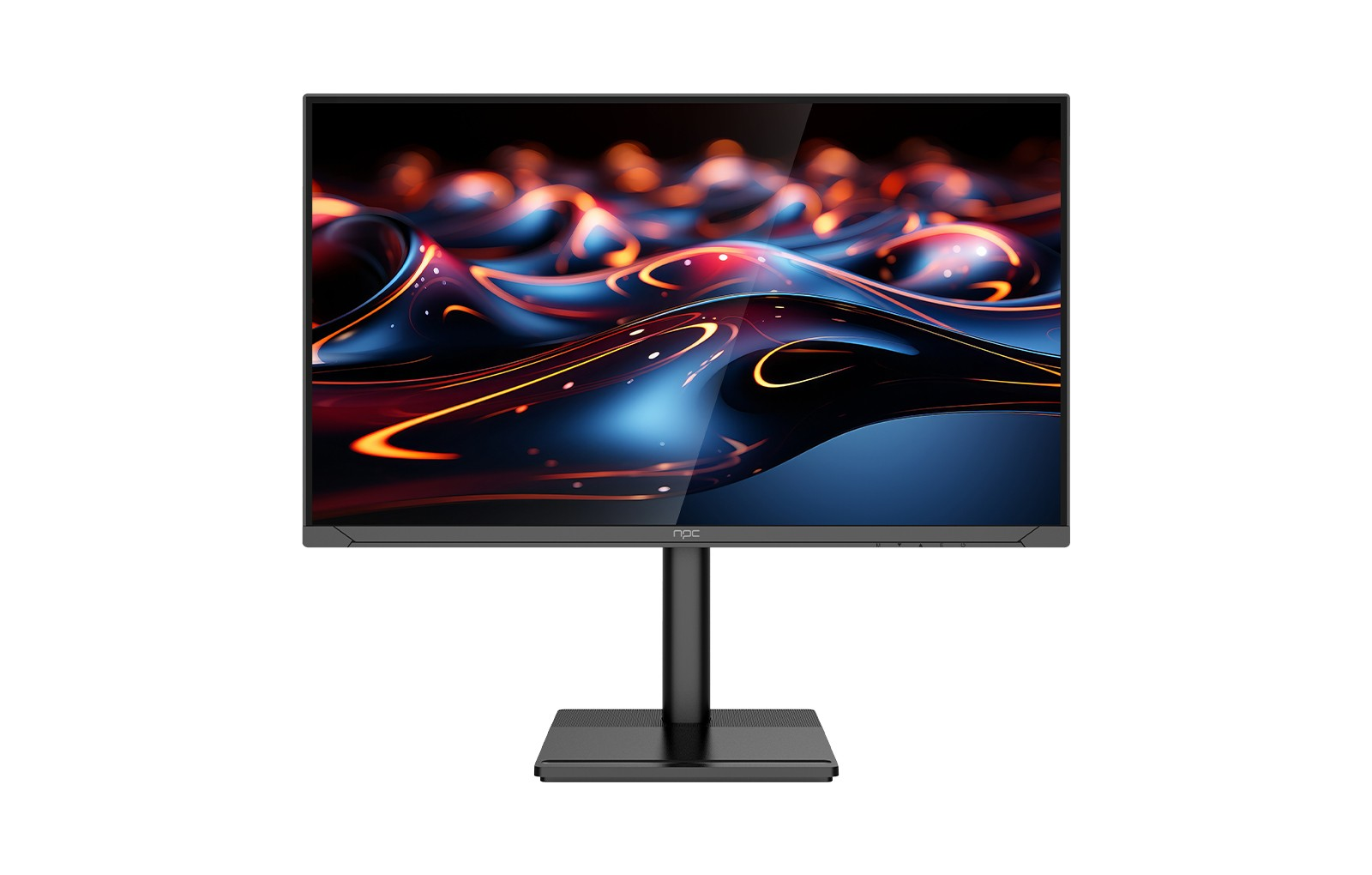
Understanding the Importance of Regular Cleaning
Regular cleaning is essential for keeping your 240 fps gaming monitor in top condition. Dust, fingerprints, and smudges can accumulate on your screen, creating distractions during your gaming sessions. A dirty monitor can lead to poor visibility, which can affect your performance in fast-paced games. We recommend implementing a regular cleaning schedule to ensure that your gaming monitor remains spotless and functional. This will not only keep the display clear but also enhance color accuracy, providing you with the optimal gaming experience.
Choosing the Right Cleaning Materials
When cleaning your 240 fps gaming monitor, it’s crucial to use the right materials to avoid damaging the screen. We suggest using a microfiber cloth, as it effectively removes dust without scratching the surface. Avoid using paper towels or other rough materials that can cause micro-scratches on your monitor. Additionally, opt for a gentle, non-ammonia-based cleaner specifically designed for screens. Spraying the cleaner directly onto the cloth instead of the monitor helps prevent liquid from seeping into the edges of the screen, protecting sensitive components.
Step-by-Step Cleaning Process
To properly clean your 240 fps gaming monitor, follow these steps:
1. Turn Off the Monitor: Always start by turning off your monitor and unplugging it from the power source to prevent any electrical issues.
2. Dust the Surface: Use a dry microfiber cloth to gently wipe away any loose dust or debris from the screen.
3. Apply Cleaner: Lightly moisten a corner of the microfiber cloth with your chosen cleaner. Do not saturate the cloth; a little goes a long way.
4. Wipe the Screen: Using gentle, circular motions, wipe the screen from top to bottom. Avoid pressing hard, as this can damage the display.
5. Clean the Edges: Don’t forget to clean the bezels and back of your 240 fps gaming monitor. These areas can collect dust and fingerprints over time.
Conclusion
By following our simple cleaning steps, you can ensure optimal performance and longevity of your monitor. Our products cater to the specific needs of OEMs and purchasers looking for reliable solutions to enhance their offerings. By partnering with NPC, you not only gain access to top-notch products but also valuable insights into maintaining them, ensuring your customers enjoy the best possible experience with their 240 fps gaming monitor.


