








One particular aspect that captures the interest of many customers, especially gamers and tech enthusiasts, is overclocking. This process can significantly enhance the performance of gaming monitors, providing smoother gameplay and improved responsiveness. However, it’s important to acknowledge that overclocking comes with its own set of risks that users should be aware of before making any alterations.
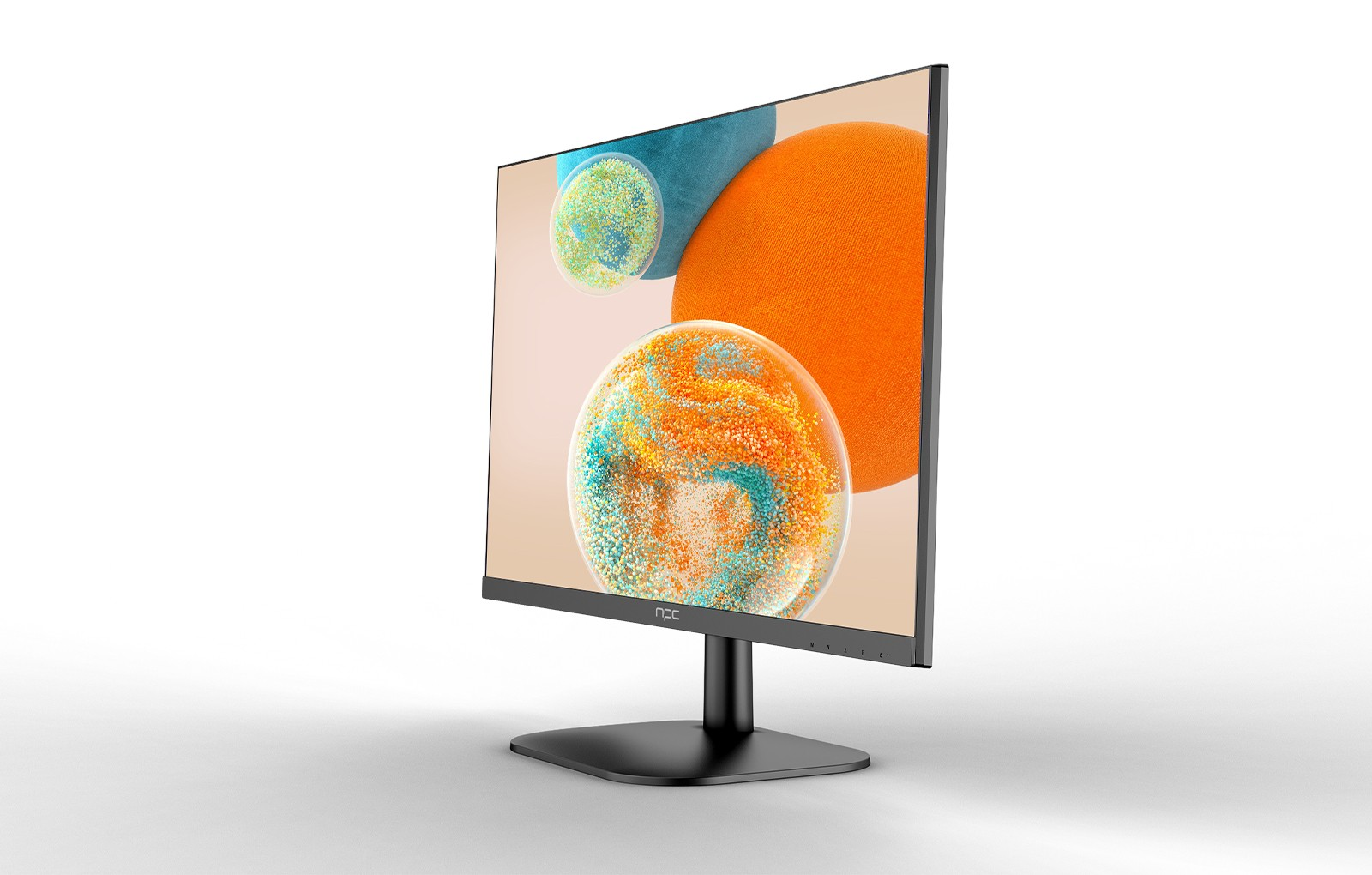
Understanding Overclocking for Gaming Monitor 1080p
Overclocking is the process of increasing the refresh rate of a display beyond its factory settings. For instance, while a typical gaming monitor 1080p may operate at 60Hz, overclocking can push it to 75Hz or even higher. This increase results in smoother motion and improved responsiveness during gameplay.
For our partners in the wholesale and trading sectors, conveying the advantages of overclocking is crucial. By presenting how a gaming monitor 1080p can be overclocked, you showcase the potential for enhanced user experiences, making these monitors more appealing to tech-savvy consumers.
Benefits of Overclocking a Gaming Monitor 1080p
1. Enhanced Visual Performance: One of the most significant benefits of overclocking a gaming monitor 1080p is the improvement in visual performance. A higher refresh rate means smoother graphics and reduced motion blur, which are vital for fast-paced games. Gamers often prefer displays that provide seamless transitions and crisp visuals, making overclocked monitors highly desirable.
2. Competitive Advantage: Overclocking can give gamers a competitive edge, particularly in first-person shooters and other high-octane genres. With improved frame rates, players can react quicker to in-game events, enhancing their overall gaming performance. As a wholesaler, emphasizing this benefit can help you position NPC's gaming monitor 1080p as a must-have for serious gamers.
3. Increased Lifespan: Surprisingly, maintaining an overclocked state can sometimes lead to less wear on components. When done correctly, overclocking distributes the workload more efficiently, potentially resulting in a longer lifespan for your gaming monitor 1080p. We encourage our partners to share this insight with customers, ensuring they make informed decisions.
Risks of Overclocking a Gaming Monitor 1080p
While overclocking offers exciting benefits, it also carries inherent risks. It is crucial to approach this practice with caution:
1. Potential Damage: Overclocking can generate excess heat, which, if not managed properly, can damage the components of a gaming monitor 1080p. We recommend that users invest in reliable cooling solutions when attempting overclocking.
2. Voiding Warranty: Many manufacturers, including NPC, have strict warranty policies regarding overclocking. Users should be aware that pushing their equipment beyond factory specifications can void their warranty, leading to costly repairs.
3. Stability Issues: While some monitors can handle overclocking well, others may experience instability, such as screen flickering or crashing. It's essential for buyers to test their gaming monitor 1080p after overclocking and revert to standard settings if any issues arise.
Conclusion
By partnering with us, you gain access to innovative products that cater to the needs of gamers, wholesalers, and traders alike. Together, we can empower your customers to maximize their gaming experience while understanding the importance of safe practices.


