







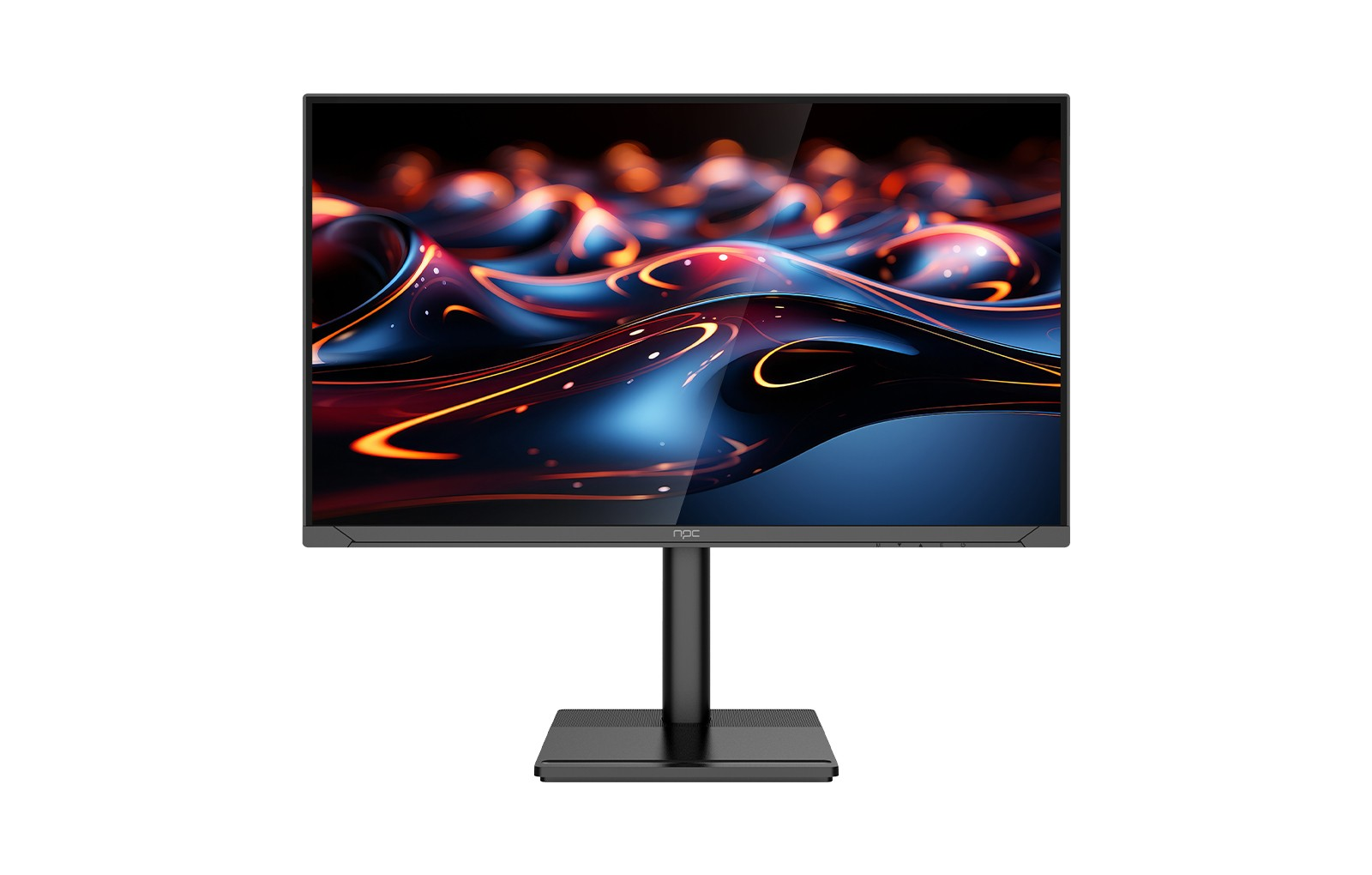
As the market for high-performance screens continues to expand, we at NPC understand how important it is to optimize gaming experiences. Our offering, the NPC-WF2433-K4 gaming monitor 240 FPS, sets a new benchmark for gaming performance and visual excellence. One crucial feature that enhances gameplay is the Black Equalizer, which can be adjusted to improve visibility in different game environments. In this article, we'll guide wholesalers on how to adjust the Black Equalizer for various games to provide your customers with an unparalleled experience.
Understanding the Black Equalizer
The Black Equalizer is a feature available on many high-end gaming monitors, including the NPC-WF2433-K4. This technology is designed to enhance dark areas of a game without overexposing bright areas, allowing players to see details that might otherwise be obscured in shadows. For competitive gamers, having visual clarity in dark environments can give them a significant advantage.
Adjusting the Black Equalizer settings can vary depending on the game genre. Some games may benefit from a higher setting to reveal hidden enemies, while others may require a lower adjustment to maintain atmospheric fidelity. Educating your clients about these adjustments can help them maximize their gaming experience using the gaming monitor 240 FPS.
First-Person Shooters (FPS)
In fast-paced first-person shooters, quick reactions can mean the difference between victory and defeat. For games like "Call of Duty" or "Counter-Strike," a higher Black Equalizer setting (around 70-80%) can illuminate dark corners and help players spot opponents lurking in shadows. This adjustment can make the gaming monitor 240 FPS even more valuable, as it aligns perfectly with the need for rapid response times and heightened situational awareness.
Racing and Sports Games
In racing games, visibility in shadowy areas, such as under bridges or through tunnels, is crucial for successful navigation. Adjusting the Black Equalizer to around 60-70% can enhance clarity without distorting the vibrant colors of tracks or fields.
Conclusion: Empowering Gamers with Advanced Features
Understanding how to adjust the Black Equalizer on the NPC-WF2433-K4 gaming monitor 240 FPS is essential for optimizing gameplay across different genres. By highlighting the versatility of this feature, you can empower your customers to enhance their gaming experiences significantly. As partners in delivering cutting-edge technology, NPC is committed to providing exceptional products that redefine the gaming landscape. Encourage your clients to explore the benefits of the Black Equalizer on our gaming monitor 240 FPS, and let's work together to elevate their gaming adventures. With the NPC-WF2433-K4, they can take their performance to new heights and experience gaming like never before.


