

The search for the perfect desktop display often leads professionals, students, and hybrid workers to a critical crossroads: should you invest in a monitor built for productivity, or one designed for high-speed gaming? While both categories of displays, including those offered by NPC, display images on a screen, they are engineered to optimize fundamentally different user experiences. Making the wrong choice can mean paying a premium for features you will never utilize or, worse, compromising your comfort and efficiency during long working hours.
As an experienced manufacturer of high-quality display technology, NPC designs its monitors with distinct end-users in mind.1 The ideal choice is not determined by budget alone, but by a thoughtful alignment of the monitor’s core technical specifications with your primary daily activities. This definitive guide separates the technical realities of office versus gaming displays, empowering you to make a smart, value-driven investment in a screen that truly supports your entire digital life.
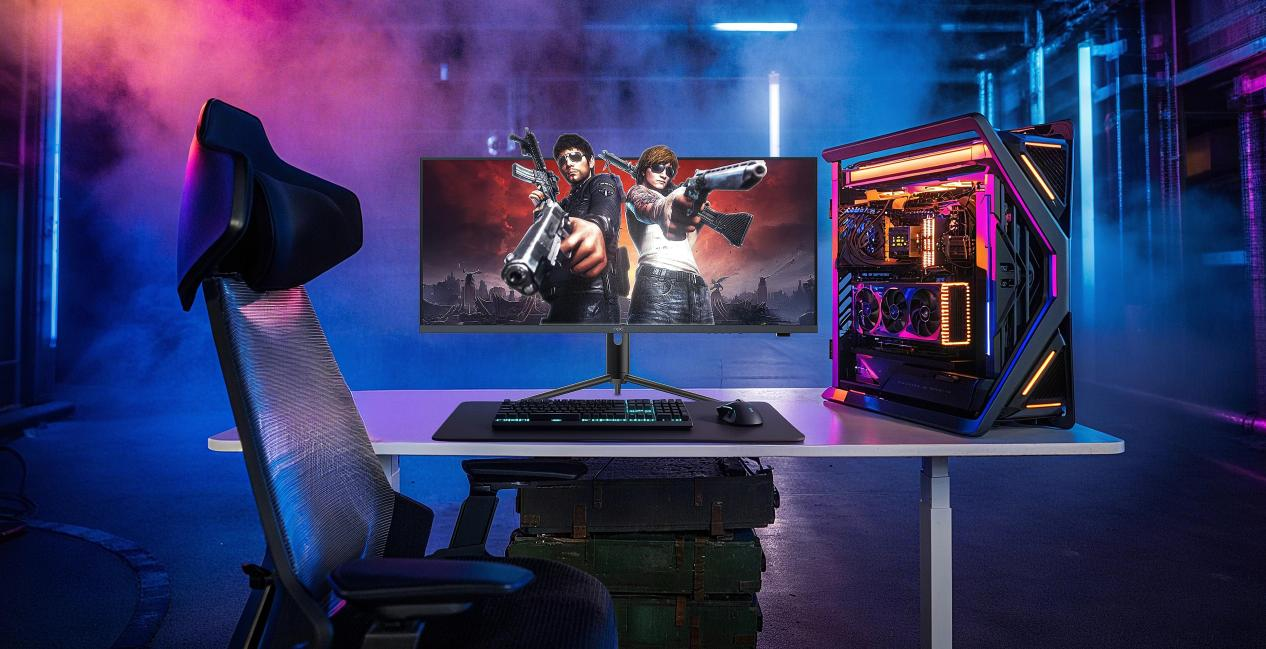
The Technical Divide: Speed Versus Precision
The essential difference between a dedicated gaming monitor and an NPC office computer monitor can be summarized as a trade-off between speed and visual fidelity for static or slowly changing content. This distinction is governed primarily by three key specifications: refresh rate, response time, and panel technology.
Refresh Rate and Response Time: The Lag Factor
Refresh rate, measured in Hertz (Hz), quantifies the number of times per second the screen updates the image.For typical office applications like data entry, document editing, and video conferencing, a standard refresh rate of 60Hz is perfectly adequate.However, many modern productivity models, including several NPC office computer monitors, now offer smoother rates between 75Hz and 120Hz, which significantly enhances the visual experience of scrolling web pages or navigating large spreadsheets.
In stark contrast, gaming monitors prioritize speed above all else.4 They start at a bare minimum of 144Hz and rapidly scale up to 240Hz or even 520Hz in the most competitive models available from NPC. This extreme speed is a competitive tool in fast-paced games, reducing input lag and minimizing motion blur so a player can react instantly to on-screen events.
The corresponding factor is response time, measured in milliseconds (ms), which dictates how quickly a pixel can transition from one color to another.6 Work-focused displays typically have a response time of 5ms or more, which is entirely imperceptible during general professional tasks. Gaming displays, by necessity, must have ultra-low response times, usually 1ms or less, to eliminate the ghosting and visual trails that would otherwise degrade the competitive edge in high-action sequences.
Specification | NPC Office Monitors (Productivity Focus) | NPC Gaming Monitors (Performance Focus) |
Refresh Rate (Hz) | Primarily 75Hz to 120Hz for smooth scrolling | Starts at 144Hz, scaling to 240Hz, 520Hz |
Response Time (ms) | 5ms or higher (sufficient for document work) | 1ms or less (critical for eliminating ghosting) |
Resolution Focus | High priority on QHD (2560×1440) for screen real estate | Balanced with refresh rate; 1080p to 4K, often featuring HDR |
Key Features | Eye-care Protection, VESA mounting, Ultra-Thin Profile | Adaptive Sync (FreeSync), Curved screens, Aggressive styling |
Prioritizing Clarity and Comfort: The Ideal NPC Computer Monitor for Home Office Use
When your primary goal is sustained work efficiency, the choice of display should focus on elements that reduce strain, maximize screen real estate, and integrate easily into a professional setup. This is precisely where the design of an NPC computer monitor for home office use shines.
The value proposition for a productivity display centers on resolution over speed. A monitor with a higher pixel density, such as one running QHD (2560×1440) or even 4K, provides dramatically sharper text and grants the user the ability to multitask effectively.QHD resolution, which is highly popular in the NPC office computer monitor lineup, is the sweet spot because it allows professionals to comfortably view two full-sized application windows side-by-side, dramatically cutting down on the time wasted cycling between tabs.
Furthermore, comfort features are non-negotiable for anyone spending eight hours or more in front of a screen. NPC office monitors are engineered with specialized Eye-care Protection technologies to minimize blue light emissions and eliminate screen flicker, reducing the cumulative fatigue that leads to eye strain and headaches.9 The design also emphasizes workplace ergonomics. Features like the Ultra-Thin Profile help save valuable desk space, while universal VESA mounting support ensures the monitor can be attached to any ergonomic arm or stand, allowing for precise adjustment of height and tilt to maintain a healthy posture throughout the workday.
The Case for Gaming-Grade Hardware
While an computer monitor for home office is optimized for stability and visual health, a high-end gaming display is an entirely different class of device. The specialized features of a gaming monitor are only justified if the user’s primary activity is competitive gaming or high-frame-rate content creation.
Gamers demand low response times and high refresh rates to achieve a competitive edge, but they also benefit from features that synchronize the monitor with their graphics card.Technologies such as AMD FreeSync, often found in NPC’s high refresh rate models, dynamically adjust the monitor’s refresh rate to match the output of the graphics card. This mechanism eliminates the visual disruption known as screen tearing and stuttering, guaranteeing a seamless, immersive experience.Moreover, modern gaming monitors frequently employ aggressive aesthetics and curved screen designs, especially in ultra-wide formats, to wrap the visual environment around the player for maximum immersion.
Ultimately, choosing the correct NPC monitor boils down to an honest assessment of your needs. For professional users and the typical computer monitor for home office setup, the clarity, robust connectivity, and vital eye-care features of an NPC office computer monitor represent the most logical and value-effective choice. If your work involves intensive multimedia editing or you seek a competitive advantage in fast-action games, the speed and specialized technology of a high-performance gaming display may be warranted. The key is to select the monitor that best optimizes the majority of your time spent at the desk.