







As wholesalers and traders in the tech industry, we understand the importance of a seamless gaming experience for your customers. One common issue that many gamers face is dealing with a pixelated monitor, which can greatly hinder their ability to fully immerse themselves in the game. At NPC, we have encountered this issue countless times and are here to provide you with solutions on how to fix a pixelated gaming monitor 1080p. At NPC, we pride ourselves on offering top-notch tech solutions for gamers around the world. Our commitment to quality and innovation has made us a trusted name in the industry, and we are dedicated to helping businesses like yours overcome technical challenges to enhance your customers' gaming experience.
Identifying the Problem
One of the first steps in fixing a pixelated gaming monitor 1080p is to identify the root cause of the issue. Pixelation can occur due to a variety of factors, including outdated graphics drivers, improper display settings, or even faulty hardware. By thoroughly diagnosing the problem, you can make informed decisions on how to proceed with the necessary fixes.
Updating Graphics Drivers
Outdated graphics drivers are often a common cause of pixelation on gaming monitors. To address this issue, ensure that your customers have drivers installed on their systems. By regularly updating their graphics drivers, they can optimize their gaming experience and minimize the occurrence of pixelation on their 1080p monitors.
Adjusting Display Settings
Sometimes, pixelation issues can be resolved by adjusting the display settings on the gaming monitor. Encourage your customers to check their resolution settings, refresh rates, and color profiles to ensure that they are optimized for their specific gaming setup. By fine-tuning these settings, they can achieve a smoother and more visually appealing gaming experience.
Conclusion
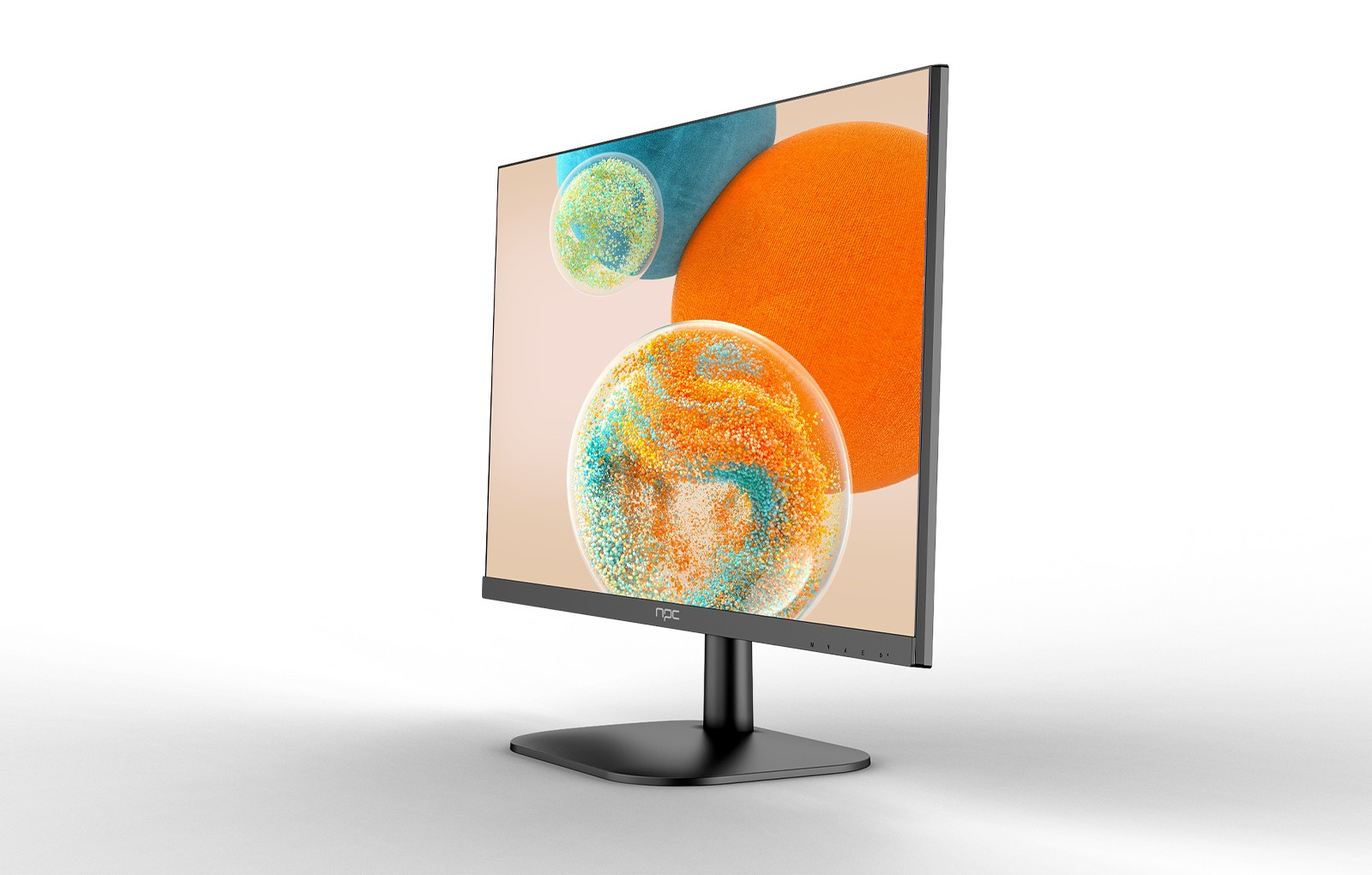
In conclusion, dealing with a pixelated gaming monitor 1080p can be a frustrating experience for gamers. However, with the right knowledge and tools at hand, this issue can be effectively addressed to enhance the overall gaming experience. At NPC, we understand the importance of a crisp and clear display for immersive gameplay, which is why we offer the NPC-LCD2405 gaming monitor designed to deliver stunning visuals and smooth performance for your customers. Incorporating these tips and tricks into your troubleshooting process can help you effectively fix pixelation on gaming monitors and elevate the gaming experience for your customers. Remember, at NPC, we are here to support you every step of the way in providing top-of-the-line tech solutions for your business needs.


