


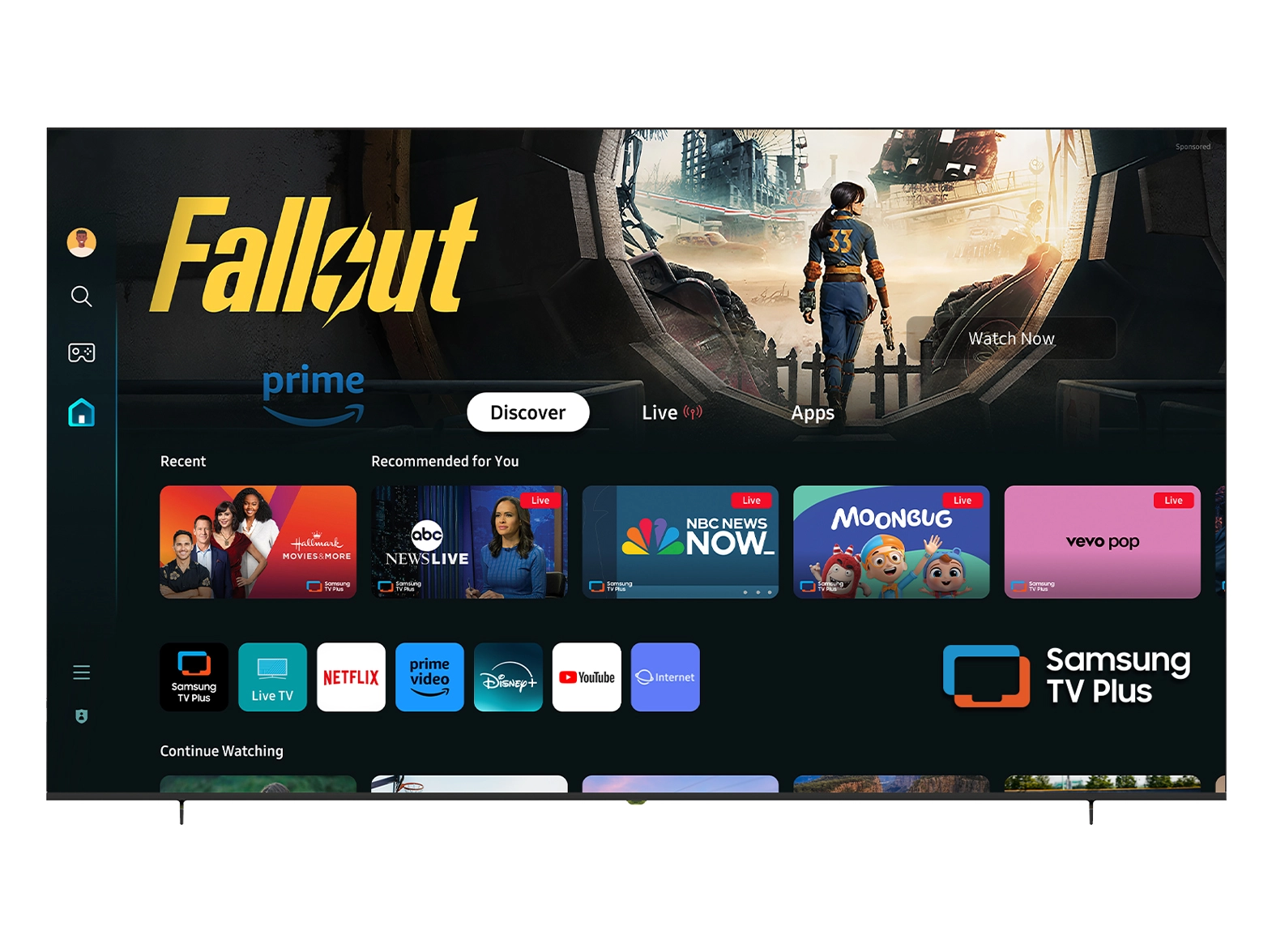





We at NPC understand the importance of providing our clients with versatile and high-performance technology solutions to enhance their business operations. In today's fast-paced digital landscape, the use of dual-monitor setups has become increasingly popular, as it allows for improved productivity, multitasking, and overall efficiency. In this article, we'll explore the steps involved in changing the display resolution on your second monitor, with a particular focus on the benefits of using a 1920x1080 gaming monitor.
Configuring the Display Resolution on Your Second Monitor
To begin adjusting the display resolution on your second monitor, locate the control panel or system preferences on your operating system. In Windows, you can access display settings by right-clicking on the desktop and selecting "Display settings." On macOS, navigate to the Apple menu, click on "System Preferences," and then select "Displays."
Once you have accessed the display settings, identify the second monitor in the configuration options. This may be labeled as "Monitor 2" or with a specific name assigned to the display. Select the desired resolution from the available options. Consider the screen size and intended use of the second monitor when choosing a resolution. Higher resolutions offer sharper visuals, while lower resolutions may make items appear larger.
After selecting the appropriate resolution, apply the changes and observe how the adjustments affect the display on your second monitor. Ensure that text, icons, and images maintain clarity and proportion. If necessary, you can experiment with different resolutions to find the optimal setting for your specific setup and preferences.
Maximizing the Benefits of a 1920x1080 Gaming Monitor
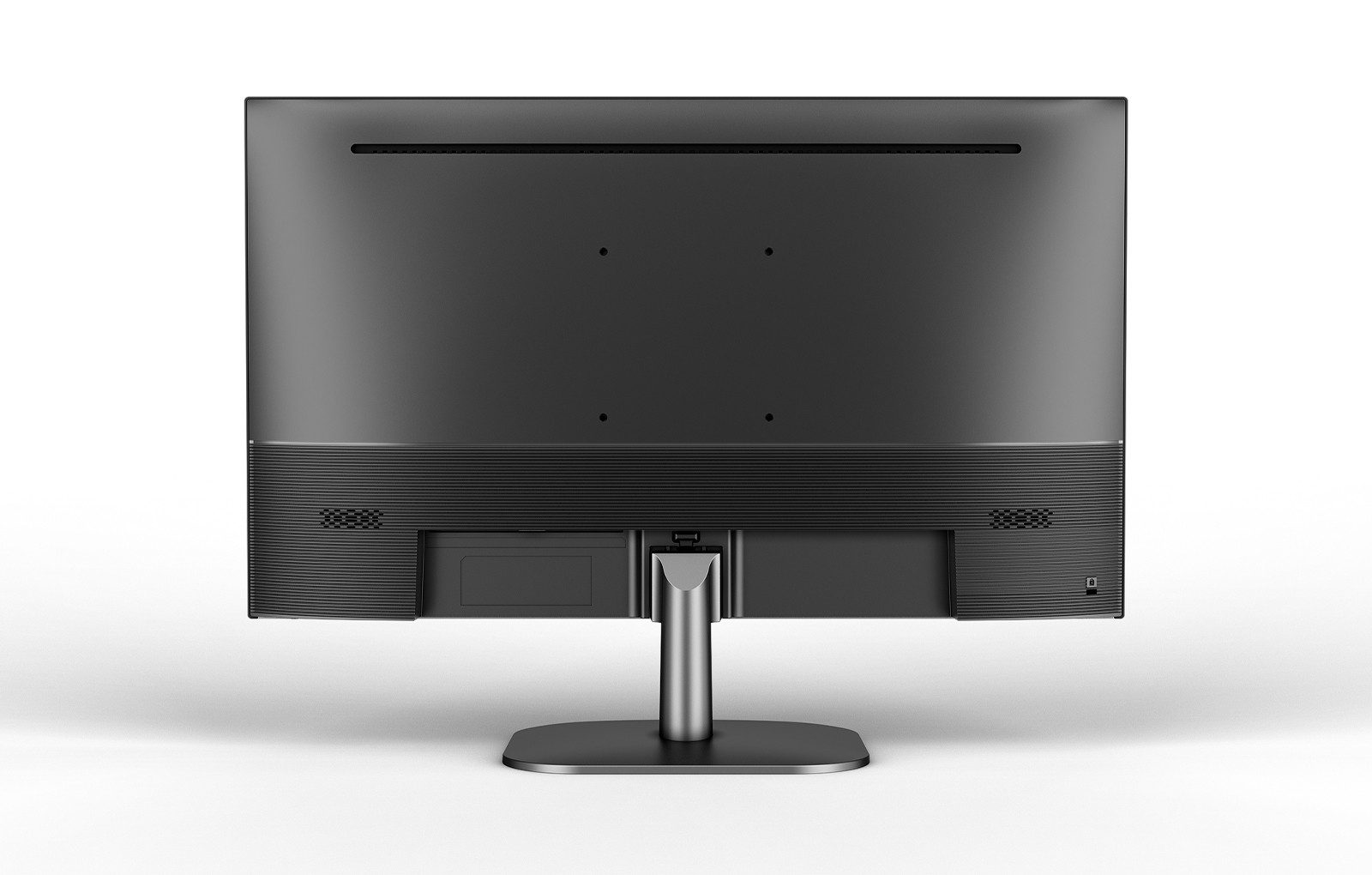
For those engaged in gaming or content creation, the 1920x1080 resolution offers a distinct advantage. The NPC-LCD2405, for example, is equipped with a high-definition 1920x1080 panel, ensuring that every detail is captured with exceptional clarity and sharpness. Additionally, the monitor's Type-C interface provides a convenient one-line connection for screen projection, allowing users to seamlessly integrate their mobile devices with their dual-monitor setup.
Conclusion
At NPC, we pride ourselves on our commitment to innovation and customer satisfaction. By optimizing the display resolution on your second monitor, you can unlock the full potential of your dual-monitor setup and provide your customers with an enhanced user experience. At NPC, we are committed to empowering our wholesalers and traders with cutting-edge technology solutions that cater to their diverse needs. If you're interested in learning more about the NPC-LCD2405 1920x1080 gaming monitor and how it can benefit your business operations, please don't hesitate to reach out to our sales team. We'll be more than happy to discuss the product's features and how it can help you stay ahead of the curve in the ever-evolving digital landscape.


