







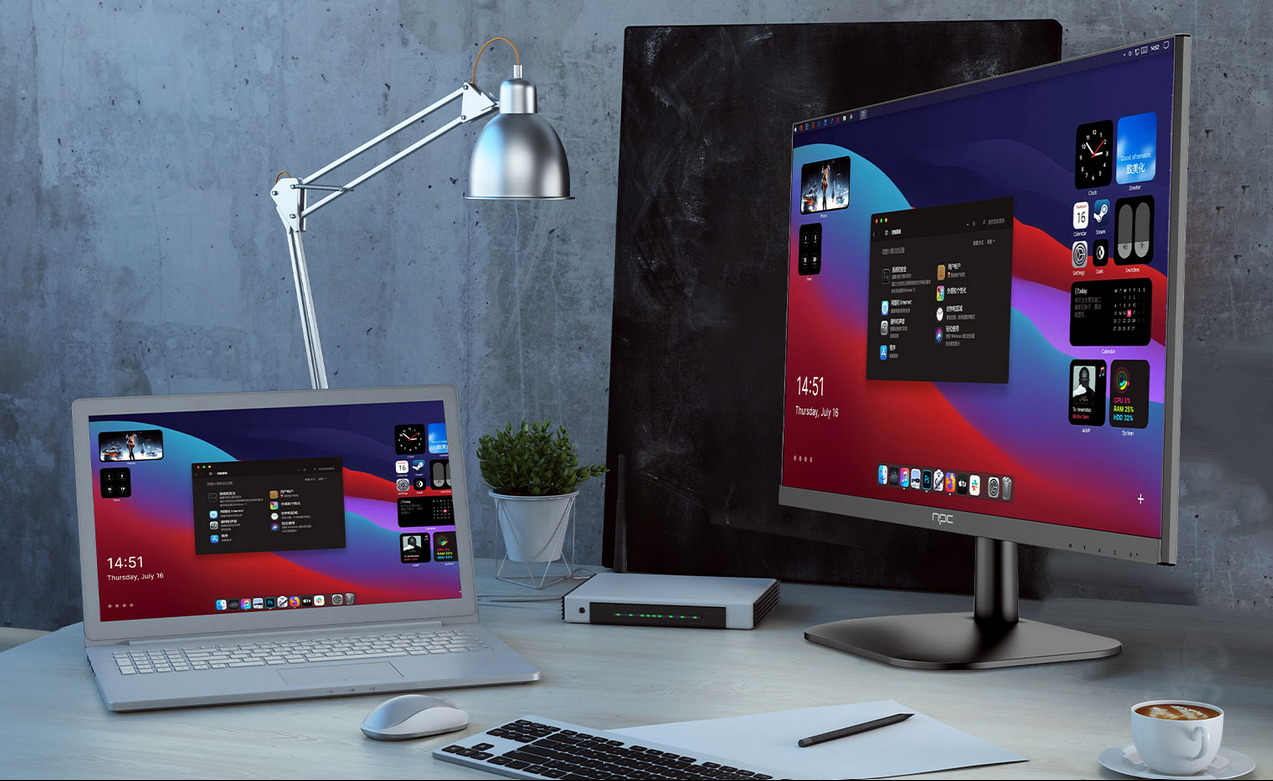
When it comes to maintaining your 1080p gaming monitors, it's essential to ensure that your products remain in top shape for your customers. As an NPC partner, you'll want to offer monitors that not only perform well but also maintain their longevity with proper care. NPC's 1080p gaming monitors, known for their quality and affordability, can continue delivering exceptional performance for years with the right cleaning and maintenance routine.
Understanding the Basics of Monitor Cleaning
Cleaning your 1080p gaming monitor is the first step in keeping it looking and performing like new. The best method is to use a microfiber cloth, which helps to gently wipe away dust and smudges without scratching the screen. You can lightly dampen the cloth with water or a screen-safe cleaning solution. NPC's monitors are designed with durable, high-quality surfaces that are resistant to smudging, making them easier to clean than some competitors. However, it's crucial to avoid using harsh chemicals or abrasive materials, as they can damage the screen's coating and decrease its lifespan.
Regular Cleaning Practices to Extend Monitor Life
It's important to regularly clean your 1080p gaming monitor to ensure the best viewing experience. Depending on usage, cleaning your monitor every 2-3 weeks should suffice. For gamers, who often spend long hours in front of the screen, wiping down the monitor periodically helps maintain clarity and brightness. At NPC, we design our 1080p gaming monitors to be low-maintenance, with screens that resist accumulating dust or fingerprints, allowing for longer intervals between cleanings.
Additionally, you can use a screen filter to prevent direct contact with the monitor, which helps reduce the frequency of cleaning. With NPC's advanced engineering, our monitors are built to withstand regular cleaning and remain visually vibrant for years.
Maintaining Monitor Settings and Performance
Beyond cleaning, ensuring that your 1080p gaming monitor is correctly calibrated can prevent common issues such as screen flickering or inconsistent brightness. For optimal performance, consider adjusting the brightness, contrast, and color settings according to your environment and personal preferences. At NPC, we provide user-friendly settings and support to help your customers maintain their display settings for a superior gaming experience.
Our 1080p gaming monitors also come equipped with flicker-free technology and blue light filters, which help protect your eyes during long gaming sessions and improve the overall longevity of the monitor. Regularly checking for software updates or performing a factory reset when needed can also keep the monitor running at its best.
Conclusion: NPC's Commitment to Quality and Performance
At NPC, we understand the importance of keeping your 1080p gaming monitors in top shape. With our easy-to-clean, low-maintenance designs and commitment to providing the best possible user experience, our monitors are built to last. By following these simple cleaning and maintenance tips, you can help your customers maximize the lifespan and performance of their NPC monitors. We are proud to offer innovative products and exceptional technical support to help your business succeed, whether you're a wholesaler, distributor, or retailer.


