







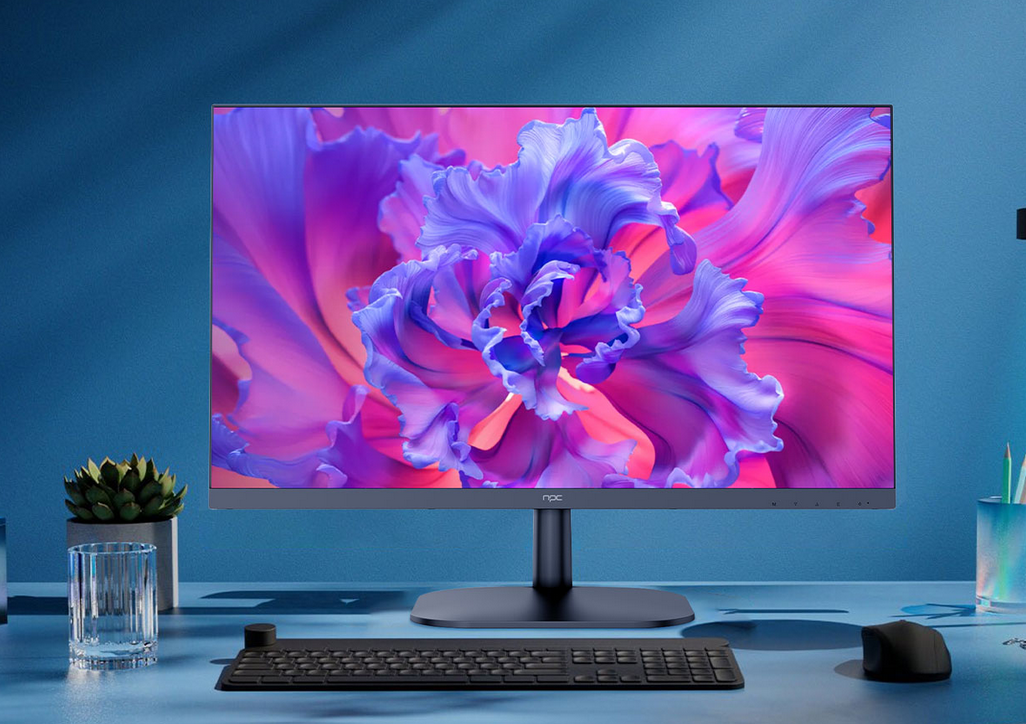
When Users are desaling with 1080p monitors for gaming, brightness issues can sometimes arise, affecting both the user experience and the overall display quality. At NPC, we understand how important it is for your business to provide monitors that are free from display defects like dimming or backlight bleeding. That's why our team is dedicated to offering 1080p monitors for gaming that are rigorously tested for quality and performance.
Adjusting Brightness Settings
One of the most common reasons for poor brightness in 1080p monitors for gaming is incorrect settings. Many monitors, including those from NPC, feature on-screen display (OSD) menus that allow easy adjustment of brightness and contrast. We recommend that your customers check the monitor's settings first to ensure they haven't accidentally dimmed the display. If the monitor has additional features like automatic brightness adjustment, make sure that it is properly configured based on the room's lighting conditions.
Addressing Backlight Bleeding
Backlight bleeding is a problem that some lower-end displays experience, but it's something NPC works hard to eliminate. When noticing any light bleeding around the edges of the screen, it's essential to check the monitor's quality before distributing it. Fortunately, our team ensures that each 1080p monitor for gaming is built with the latest technology to minimize backlight bleeding, enhancing the overall gaming experience for your customers. Our monitors undergo stringent quality control to prevent this issue from affecting your sales or your client's gaming setup.
External Factors That Can Affect Brightness
While issues like backlight bleeding are often related to the monitor itself, external factors can also play a role in the brightness of a display. Cables that are damaged or of low quality can lead to signal degradation, affecting brightness and overall picture quality. Additionally, issues with power sources or incorrect power settings may cause the monitor to not display at its full brightness. We always recommend that our partners use high-quality cables and ensure stable power supply to get the best performance from NPC 1080p monitors for gaming.
Conclusion
Dealing with brightness issues doesn't have to be complicated, especially with 1080p monitors for gaming from NPC. Our team ensures that our monitors are free from common defects like backlight bleeding and offer easy-to-use adjustment settings. By partnering with NPC, your business can provide your customers with monitors that deliver outstanding performance and hassle-free troubleshooting. We stand by our products and offer reliable technical support to ensure your clients are always satisfied with their purchase. Let NPC be your trusted source for high-performance gaming monitors that are built to last.


